Setup Openvpn on Synology router RT6600ax SRM 1.3
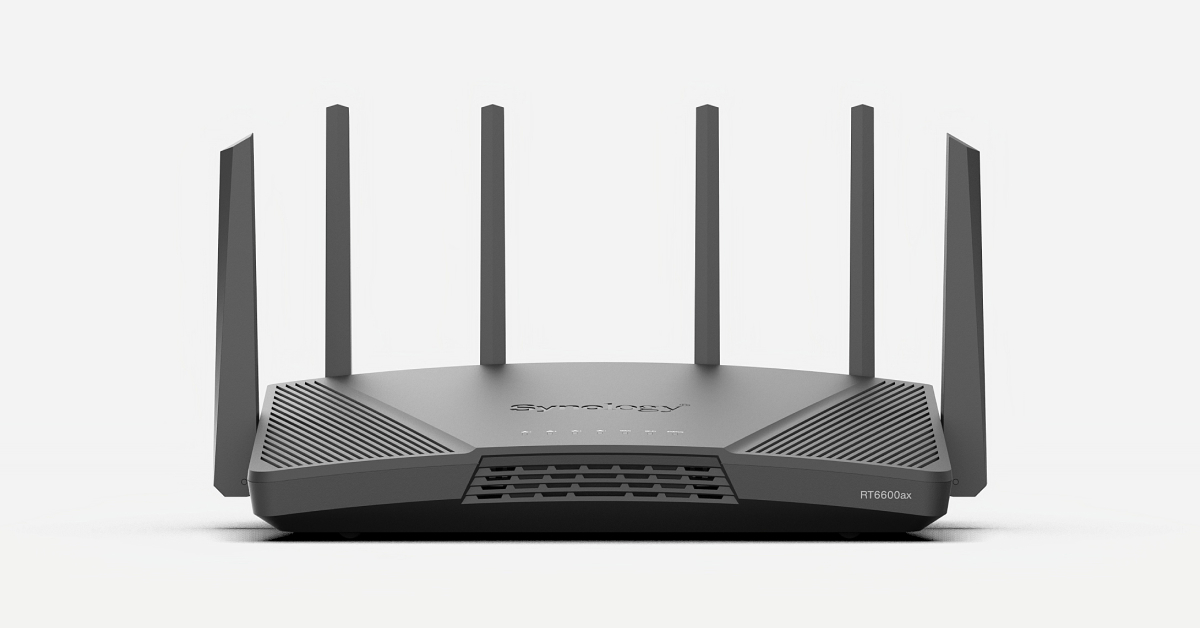
This article is based on a synology router RT6600ax. First you have to install “VPN plus server” then you have to go to: Standard VPN/OpenVPN click enable Open vpn server. remember to check mark “Verify server CN” else you get an error
WARNING: No server certificate verification method has been enabled. 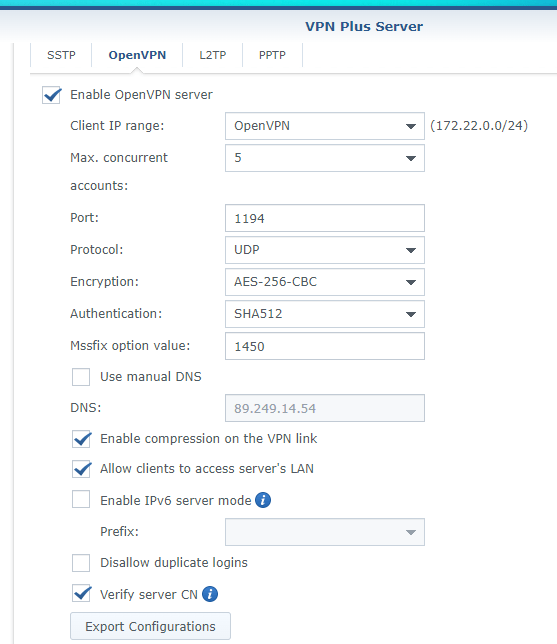
Click export Configuration
edit the *ovpn file in notepad
To set up an OpenVPN client on Windows:
- Install OpenVPN client on Windows
https://openvpn.net/client/ - Run OpenVPN GUI as administrator.
- Edit VPNConfig.ovpn in notepad and replace YOUR_SERVER_IP with public IP of your Router.
*Remove # before “redirect-gateway def1” to route all client traffic (including web-traffic) through this VPN Server. - click the VPNConfig.ovpn fil to import it
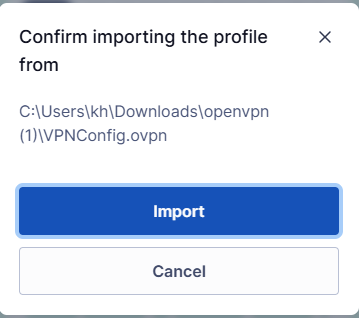
When you connect with this setting Your public ip adress will change”to the ip of the open VPN server”
dev tun
tls-client

remote YOUR_SERVER_IP 1194

# The "float" tells OpenVPN to accept authenticated packets from any address,
# not only the address which was specified in the --remote option.
# This is useful when you are connecting to a peer which holds a dynamic address
# such as a dial-in user or DHCP client.
# (Please refer to the manual of OpenVPN for more information.)

#float

# If redirect-gateway is enabled, the client will redirect it's
# default network gateway through the VPN.
# It means the VPN connection will firstly connect to the VPN Server
# and then to the internet.
# (Please refer to the manual of OpenVPN for more information.)

# redirect-gateway def1

# dhcp-option DNS: To set primary domain name server address.
# Repeat this option to set secondary DNS server addresses.

dhcp-option DNS 8.8.8.8
dhcp-option DNS 1.1.1.1

pull

# If you want to connect by Server's IPv6 address, you should use
# "proto udp6" in UDP mode or "proto tcp6-client" in TCP mode
proto udp

script-security 2


reneg-sec 0

auth SHA512

cipher AES-256-CBC

auth-user-pass login.txt


key-direction 1

comp-lzo
explicit-exit-notify
<ca>
login.txt bruges til logindata. Filen ligger i OpenVPN’s config-map ved siden af VPNConfig.ovpn og indeholder to linjer: brugernavn på første linje og adgangskode på anden – præcis som brugeren er oprettet i VPN Plus Server. Når profilen har auth-user-pass login.txt, udfylder klienten selv felterne, når du trykker Connect.
Filen er ikke krypteret, så den skal kun ligge på din egen computer og ikke deles med andre. Retter du den i Notes, skal du bare genoprette forbindelsen før den nye adgangskode tages i brug.
- #Synology
- #VPN
- #Netværk